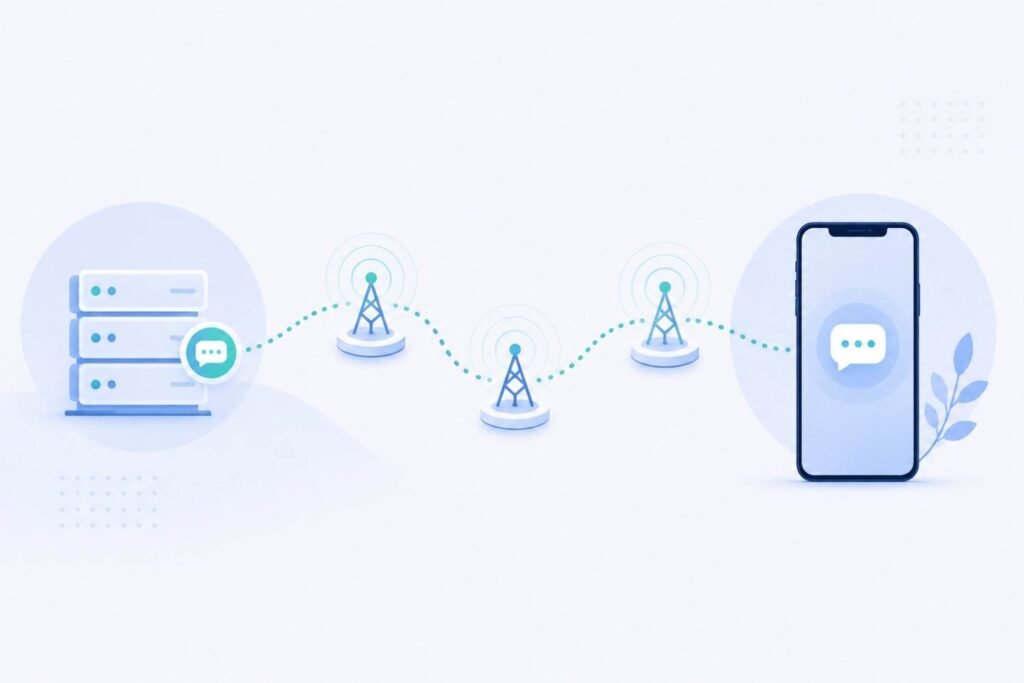
Scanning a QR code to activate an eSIM feels almost too simple — but there’s a structured technical process happening behind that quick scan. Understanding it helps explain both why eSIM activation is generally reliable, and what can go wrong when it isn’t.
The Core Components Involved
eUICC (embedded Universal Integrated Circuit Card) — this is the actual chip built into your device that can store multiple carrier profiles. It’s the physical hardware equivalent of what a removable SIM card used to be, except it’s permanently soldered into the device and can hold several profiles at once.
SM-DP+ (Subscription Manager Data Preparation) — this is a secure server operated by or on behalf of your carrier, responsible for preparing and securely delivering your specific carrier profile to your device.
The activation code (usually delivered as a QR code) — this encodes the address of the SM-DP+ server plus a unique activation token tied specifically to your purchased plan.
Step-by-Step: What Happens During Activation
- You scan the QR code (or enter the activation details manually) using your phone’s camera through the cellular settings menu
- Your device reads the encoded SM-DP+ server address and activation token from the QR code
- Your phone contacts the SM-DP+ server over an internet connection (Wi-Fi or existing data), authenticating using the activation token
- The SM-DP+ server verifies the request and prepares your specific carrier profile — this profile contains the network credentials needed to connect to that carrier
- The profile is securely downloaded and installed onto your device’s eUICC chip
- Your phone activates the new profile, and it becomes available as a selectable line, similar to how a physical SIM would appear
This entire process typically takes just a few minutes, assuming a stable internet connection during the download step.
Why This Process Requires Internet Access
Since the actual carrier profile is downloaded live from the SM-DP+ server rather than pre-loaded onto a physical card, your device needs an active internet connection (typically Wi-Fi, though existing mobile data works too) during the activation step specifically. Once installed, the eSIM itself doesn’t need continued internet access to function — it connects to the cellular network like any SIM profile would from that point forward.
What Can Go Wrong During Activation
Weak or no internet connection during the download step is the most common cause of failed activation, since the profile transfer requires a stable connection to complete.
Using an activation code that’s already been used or expired — most eSIM QR codes are single-use and tied to one specific device activation, so reusing one (say, after a failed first attempt in some systems) can cause errors.
Device or carrier incompatibility — if your specific device or carrier doesn’t support eSIM (see our guide on checking eSIM compatibility), the activation process won’t proceed regardless of a good connection.
Multiple Profiles and Switching
Because the eUICC chip can store several profiles simultaneously, many phones let you keep multiple eSIM profiles installed and switch between which one is actively connected to the network — useful for maintaining a home number alongside a travel data plan. Only a limited number of profiles can typically be active at once (often one or two, depending on the device), even if more are stored.
Frequently Asked Questions
Why does eSIM activation require Wi-Fi?
Because the carrier profile is downloaded live from a secure server (the SM-DP+) during activation, rather than being pre-loaded on a physical card, a stable internet connection is needed for that specific step.
Can I reuse an eSIM QR code if my first activation attempt fails?
This depends on the provider — some QR codes are single-use only, so a failed activation may require requesting a new code from your carrier or provider.
What is an eUICC?
It’s the physical chip embedded in your device that stores eSIM carrier profiles — functionally similar to what a removable SIM card used to store, but built permanently into the phone.
Do I need internet access every time I want to use my eSIM, or just during setup?
Just during the initial setup/download process. Once installed, the eSIM profile functions over the cellular network like any SIM, without needing ongoing internet access to operate.
Can I have more than one eSIM profile stored on my phone at once?
Yes, most eSIM-compatible devices can store multiple profiles, though usually only one or two can be actively connected to a network simultaneously, depending on the device.